Wolf CMS — PHP 8 Compatibility Fork

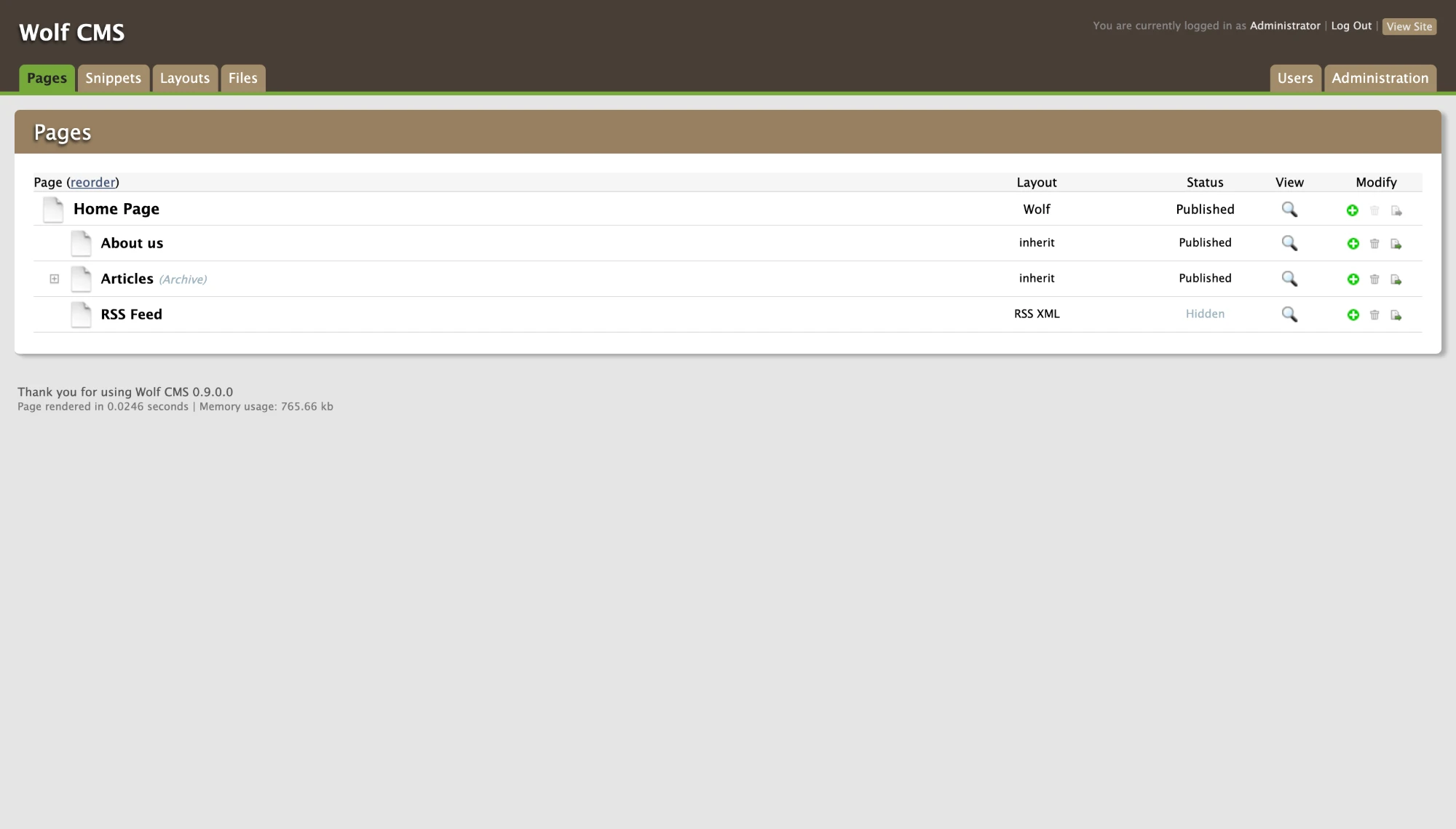
Wolf CMS is a small, open-source PHP CMS I used on some of my earliest sites, including Elisco Design. The project lost official support years ago, and its own website went dark with it. When Elisco needed to move off PHP 5.6, I forked Wolf, dragged it up to PHP 8.3 and called it 9.0. The fork is on GitHub, along with a starter repo for spinning up new sites.

Fork of the now-unsupported Wolf CMS open-source project.

What it took

PHP 5.6 to 8.3

Most of the core fixes were the kind of thing PHP spent years warning everyone about. Curly-brace string offsets like $param{0} are flat-out gone in PHP 8, so they became $param[0]. Wolf now falls back to the server’s timezone when the config doesn’t set one. And it checks that a URL is real before trying to fetch it, which mattered because Wolf kept calling home to a site that no longer answers.

My favorite was sneakier. Some old comments contained example markup, closing ?> tags and all. Inside a # comment, PHP takes ?> at its word and drops out of PHP mode right there, mid-comment, spilling the rest of the file onto the page. Removing those tags fixed it.

  • PHP
  • Wolf CMS

Fixing the front door

The installer, login, settings, user saving and plugin version checks all broke on current PHP. Fixed, fixed, fixed, fixed and fixed. The installer now writes the new config layout and assumes clean URLs out of the box.

  • PHP

Wolfcms.org is gone

The official site stopped being maintained, but Wolf still pointed at it everywhere: footers, help text, and a plugin screen that checked wolfcms.org for updates. I took every reference out, along with build files like composer.json and travis.yml that only made sense for the original project, and taught the security checks to stop looking for them.

  • PHP
  • Wolf CMS

One config, local and live

The core config now defaults to DDEV’s database settings and gets overridden by an untracked config/config.php on a real server. The same code runs on a laptop and in production with nothing to edit, and no server credentials ever land in git. The working .htaccess ships in the repo too, because every site wants clean URLs anyway.

  • DDEV
  • PHP

A starter kit

The wolfcms-php8 repo is the whole setup in one clone: fork it, make a branch for the project, run ddev start, and you’ve got Wolf 9 with a web server, database, phpMyAdmin and a mail catcher. Great for new sites, and even better for pulling an old site down to fix it.

  • DDEV
  • Documentation

Where the bugs really were

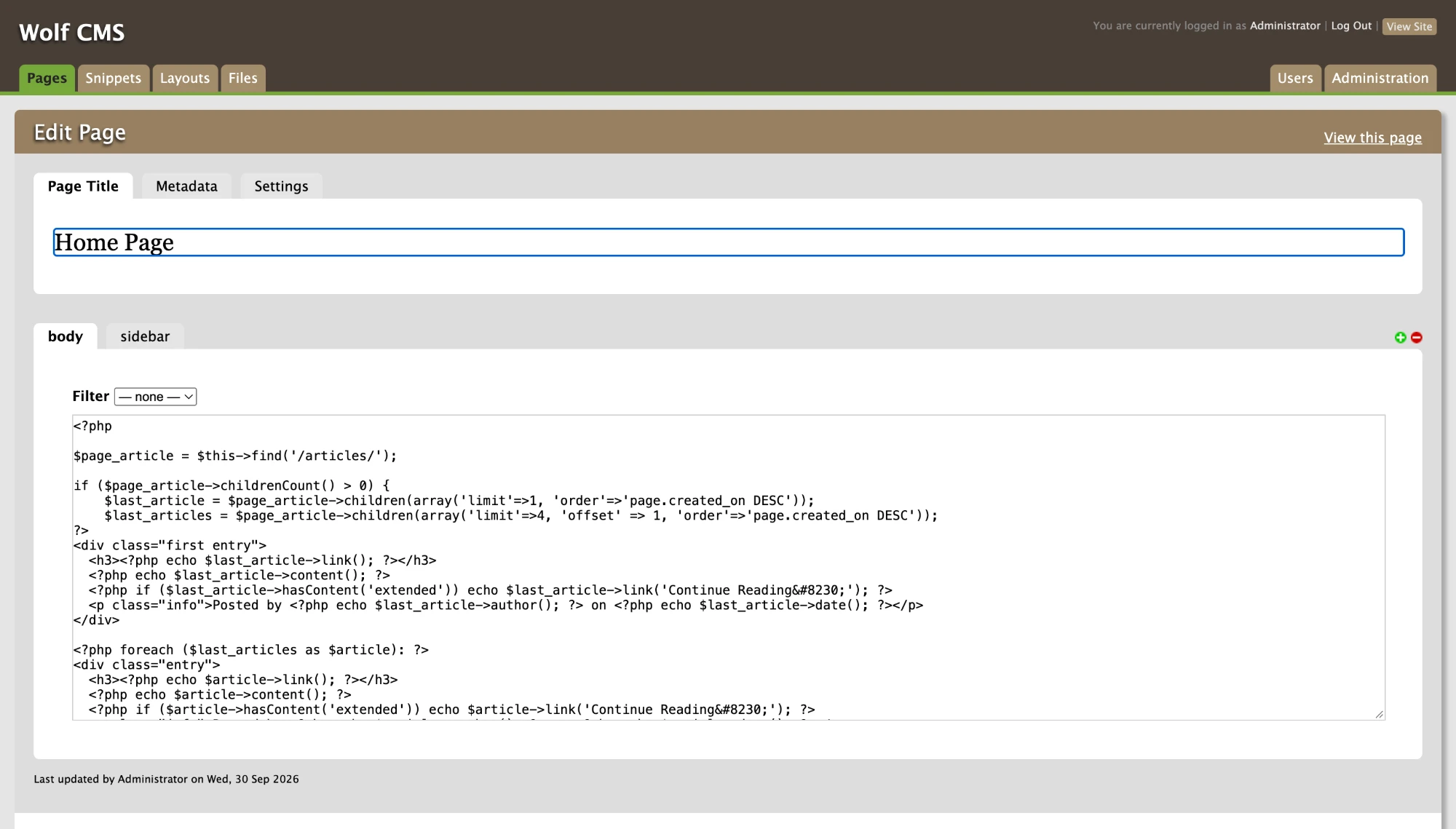
Here’s the twist: most of what broke Elisco on PHP 8 wasn’t in Wolf’s code at all. Wolf keeps a site’s layouts and snippets in the database, PHP and all, so the old code was hiding in table rows. It didn’t help that Wolf turns most errors into a polite 404.

So I made debugging a routine. Open a page and look for errors. If something’s wrong, check that page’s layout for PHP problems. If the layout looks fine, comment out its snippets one at a time until the culprit shows up. With the whole site copied into a local DDEV environment, all that trial and error was quick and safe, and anything could be reverted in seconds. That’s the part I’d happily reuse for the next old Wolf site that needs rescuing.

Plugins I wrote before the fork

SlideShowPro, minus the Flash (2015)

Built for Elisco Design. It reads SlideShowPro’s existing albums and images straight from its MySQL tables and adds a SlideShowPro tab to the Wolf admin. Editors can attach a slideshow to any page, with options for speed, random order, pause on hover and slide indicators, plus a live AJAX preview. On the front end it’s a plain JavaScript slideshow, with no Flash anywhere.

It’s early-career code, and it shows. Today I’d use prepared statements instead of building SQL straight from form input.

Source on GitHub

  • PHP
  • MySQL
  • JavaScript
  • Wolf CMS

Gmailer (2017)

A small plugin that lets any Wolf site send email through a Gmail account. It wraps PHPMailer 6 (pulled in with Composer) in a class that comes preconfigured for Gmail’s SMTP over TLS, with short helpers for recipients, CC, BCC, reply-to and attachments. The admin settings screen stores the sending account, a from name and a Google App Password, and the “repeat password” field only appears once you start typing a new one.

Source on GitHub

  • PHP
  • Composer
  • PHPMailer
  • Wolf CMS

Stack & skills

  • PHP
  • Wolf CMS
  • DDEV
  • Docker
  • MySQL / MariaDB
  • Apache
  • Legacy Systems
  • Documentation