Accessibility settings

Changes apply right away and are remembered in this browser. Until you choose otherwise, motion follows your device's setting.

Motion
Text size
Reading

Knowledge Direct: Certificates, Made Fresh

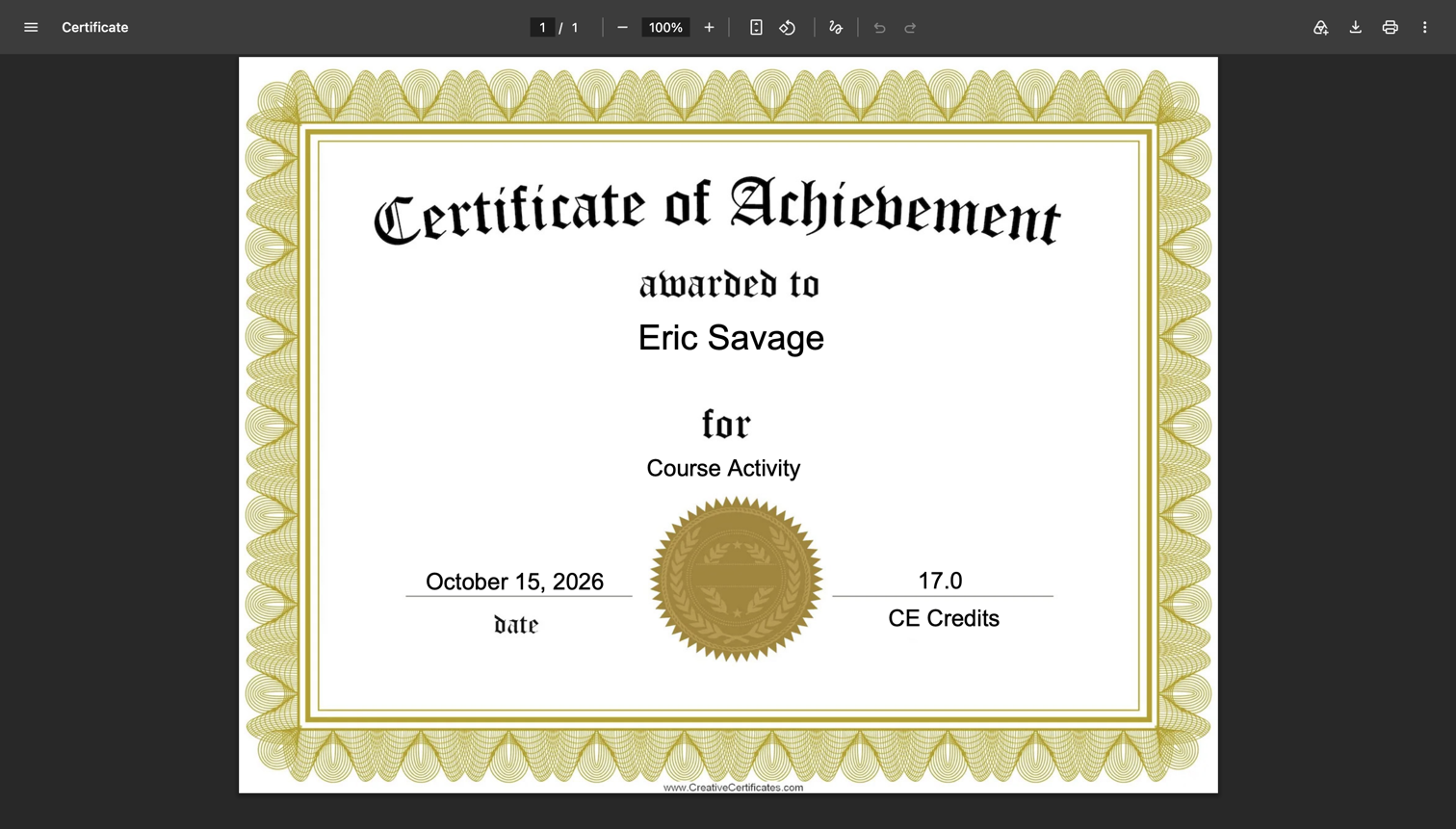
Every time a learner finished a course, our LMS printed them a certificate and filed the PDF away on disk. Forever. By 2026 that was more than 400,000 files, and the bigger problem wasn’t the space. When a client corrected a credit amount or updated a certificate design, learners kept getting the old version, because the old file was already sitting there. Nobody asked me to fix it. I noticed the pile, connected it to the support tickets, and changed one decision: stop saving certificates and build each one fresh when someone asks for it.

Print once, serve forever

The first time a learner opened a certificate, the platform filled in the template with their name, the course, the credits and the completion date, rendered it to a PDF and saved it under that learner’s folder. Every request after that skipped straight to the saved file. It was a cache, and like every cache, it was only as good as its rules for knowing when it was wrong.

It almost never knew. A client corrects the number of credits awarded or tweaks the certificate layout, and every certificate already printed stays exactly as it was. The learner downloads a certificate with the wrong credits, emails the client, the client emails us.
Patches on a cache

The git history showed years of attempts to keep those files honest. In 2021 admins got a “re-print” button to delete and regenerate a learner’s certificate by hand. A few weeks later came a fix for certificates that were reprinting when they shouldn’t. In 2022 the platform started deleting saved certificates automatically whenever a learner earned more credits, plus any learning path certificates above them, using its own SQL query to find them.

Each patch handled one way a certificate could go stale. None of them handled a corrected credit value or a redesigned template. Every new kind of change would have needed another rule, and the files themselves added nothing: the enrollment records already held everything a certificate shows.

Certificates before and after: saved when earned versus generated when requested Before, five steps: an activity is completed, the certificate is generated, the PDF is saved to disk (more than 409,000 files, 306 GB), later the certificate is requested, and the saved PDF is downloaded, even if it is out of date. After, three steps: an activity is completed, the certificate is requested, and it is generated from current data and downloaded. Before After Activity completed Certificate generated PDF saved 409,000+ files, 306 GB Certificate requested Certificate downloaded even if out of date Activity completed Certificate requested Certificate generated and downloaded from current data
Before, a certificate was made once, when the activity was completed, and every later request got that same file. After, it’s made at the moment it’s requested, so it always shows the current credits and design.

Stop saving it

So the fix was to delete the cache, not improve it:

  • Build on request. Every certificate request now reads the current certificate template, learner, enrollment and credit data, renders the PDF in memory and streams it straight to the browser. Nothing is written to disk.
  • The record already exists. Completion dates and credits live in the enrollment data, so a certificate for a course finished in 2019 can be generated today, accurately, as many times as anyone wants. Learners who want their own copy still download and keep it.
  • Delete the workarounds. With nothing saved, there is nothing to go stale. The admin re-print button, the reprint-on-new-credits logic and its SQL all came out.
  • Clean up on the way out. When a learner opens any certificate, the platform deletes the old PDFs in their folder. The pile shrinks as people use it, without a risky bulk delete.
  • One code path. Course, learning path and transcript certificates, plus the admin’s view of a learner, all go through the same certificate service, so a fix to one is a fix to all of them.

Found along the way

13 gigabytes of rough drafts

The old renderer wrote each certificate out as an HTML page first, then converted that to a PDF. It never deleted the HTML. One client’s temp folder held 8,871 of them, about 1.5MB each and dating back to 2018. New ones stopped appearing the day streaming shipped.

  • PHP
  • Legacy Systems

The phantom second page

The new PDF library ignores the CSS scaling the certificate designer relies on, and it turns the whitespace between HTML tags into invisible lines of text. Together they pushed every certificate onto a blank second page. Rendering at the template’s native pixel size, with a paper size to match, and collapsing that whitespace got it back to one clean page.

  • PHP
  • CSS

A link that became a document

Course completion emails used to include a link to the saved PDF. Once certificates stopped being files, the function the email relied on returned the certificate itself instead of a link to it. The fix gave the emails a permanent link that generates the certificate when clicked, and added it to my list of reasons to search for every caller before changing what a function returns.

  • PHP
  • Incident Response

Looking back

Generating a certificate on every request is technically slower than handing over a file. Nobody noticed. What people did notice was that a correction made on Monday showed up on Monday. The part I like best is how much code this removed: every rule about when a certificate was out of date disappeared along with the files those rules were protecting. Sometimes the fix for a cache that keeps going stale is to admit you never needed the cache.

Stack & skills

  • PHP
  • Phalcon
  • Dompdf
  • MySQL
  • AngularJS
  • Angular
  • Multi-Tenant Architecture
  • Data Architecture
  • Legacy Systems